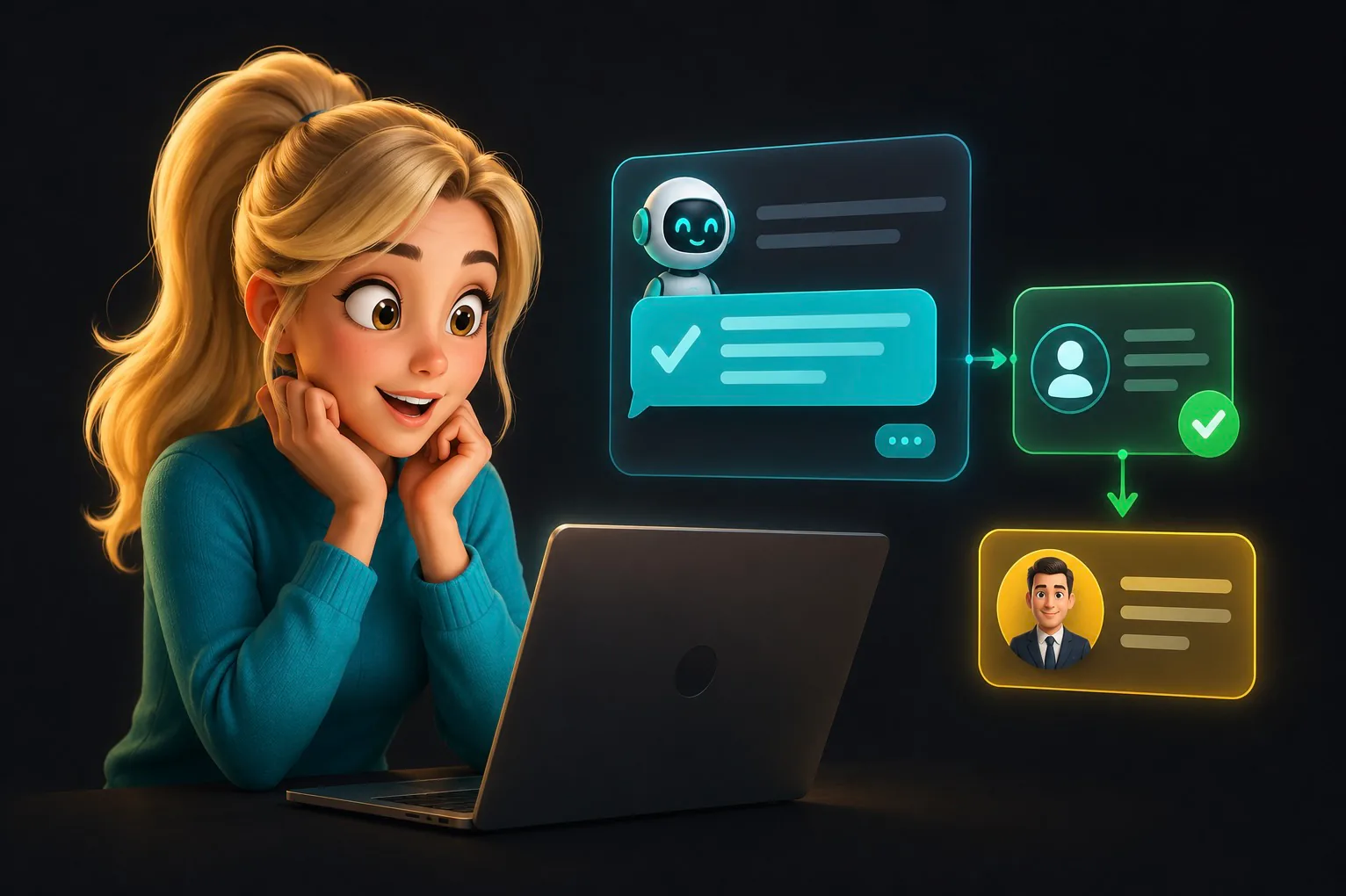
Custom integration versus the built-in Bitrix24 AI agent
Bitrix24 provides a built-in AI agent for Open Channels that can answer from a knowledge base and transfer a conversation to an operator.
This case describes a custom integration instead. It connects Wazzup, a separate AI gateway, multiple portals and channels, individual knowledge bases and schedules, plus custom logic that stops AI after an operator response.
What the AI consultant does in Open Channels
Open Channels bring connected messenger conversations into one Bitrix24 interface. The project preserved that existing manager workflow and added AI as a first response layer.
A customer writes in WhatsApp or Telegram. Wazzup sends the message to Bitrix24. AI searches the knowledge base assigned to that channel and returns an answer to the same conversation.
The system had six requirements:
- Accept only relevant Open Channel events.
- Return the AI answer to the original chat.
- Keep the conversation visible to the manager.
- Stop AI immediately after an operator replies.
- Respect each channel's schedule, time zone and knowledge base.
- Manage connections in a web panel without editing server configuration.
Message route through Bitrix24
The working chain is:
WhatsApp or Telegram → Wazzup → Bitrix24 Open Channel → bitrix_bridge → AI gateway → knowledge base → answer to the same conversation.
The portal connection uses OAuth, a local application, event handlers and the Bitrix24 Open Channels REST API. Every event is checked for portal, channel, source and message type before it reaches AI.
These checks are essential because a single stream includes customer messages, operator replies, bot replies, system events and retries.
Knowledge bases and schedules per channel
After validation, bitrix_bridge sends the message, conversation context and channel configuration to the shared AI gateway. Each Open Channel can use a separate knowledge base—for example, one for sales, one for support and one for a specific product.
The control panel can add several portals, store local-app settings and produce an OAuth installation link. Once connected, it loads Open Channels and displays portal, authorisation, bot and channel status.
For every channel, an authorised user can configure:
- whether AI is enabled;
- the assigned knowledge base;
- working hours and time zone;
- weekly rules;
- holidays and one-off dates.
Reliable handoff from AI to an operator
After the first operator message, AI must stop for that exact conversation until the session ends.
Sender identifiers were not reliable enough in the Wazzup workflow because an operator reply from a connected phone could arrive with the identifier also seen in customer events. Inspecting real payloads revealed a service attribute that reliably marked an outgoing human message.
When bitrix_bridge detects that event, it sets a human_lock for the conversation in Redis. While the lock is active, new customer messages stay with the operator and are not sent to AI. The lock clears after the session ends or a new conversation begins, with a safety expiry for incomplete events.
The processing priority is:
human first, schedule second, AI third.
Preventing duplicate and self-generated answers
Open Channels deliver more than new customer questions. The stream also includes the bot's own replies, system messages and repeated events. Processing every item would make the bot answer itself.
The bridge therefore includes:
- filtering of its own AI messages;
- exclusion of service events;
- idempotency for repeated events;
- retries only for temporary API errors;
- separate state for portals, channels, conversations and knowledge bases.
This infrastructure is less visible than the answer text, but it makes the integration safe for continued operation.
Testing operator handoff
The complete workflow was tested separately for WhatsApp and Telegram:
- The customer writes in the messenger.
- AI answers in the Bitrix24 Open Channel.
- The operator replies from Bitrix24 or the connected account.
- The conversation receives a
human_lock. - The customer writes again and AI remains silent.
- The lock clears after the session ends.
The bridge logic also has 38 automated checks covering duplicates, self-messages, schedules and operator handoff. All 38 passed when the working workflow was completed.
Result and boundaries
The implemented system provides the following behaviour:
- WhatsApp and Telegram messages are handled in Bitrix24;
- AI answers from the knowledge base assigned to the channel;
- AI does not interfere after an operator joins the active session;
- self-generated, service and duplicate events do not trigger extra answers;
- every channel has its own knowledge base and schedule;
- portals and channels are configured through one web panel.
This case does not claim a measured sales increase or a specific reduction in response time. The verified result is technical: a message travels through the complete route, AI answers in the correct conversation and a person can safely take control.
Before implementation, define the channels, permitted AI topics, knowledge base for each line, exact handoff conditions and acceptance tests for customers, bots, employees and session closure.
See RM Systems CRM integration services if you need a similar workflow.