
AI and CRM integration pricing
Estimated cost
The base price covers connecting an existing AI assistant to one CRM and one channel. Assistant development, hosting, AI models and service subscriptions are billed separately. We agree on the scope and estimate before work begins. AI for customer replies in amoCRM
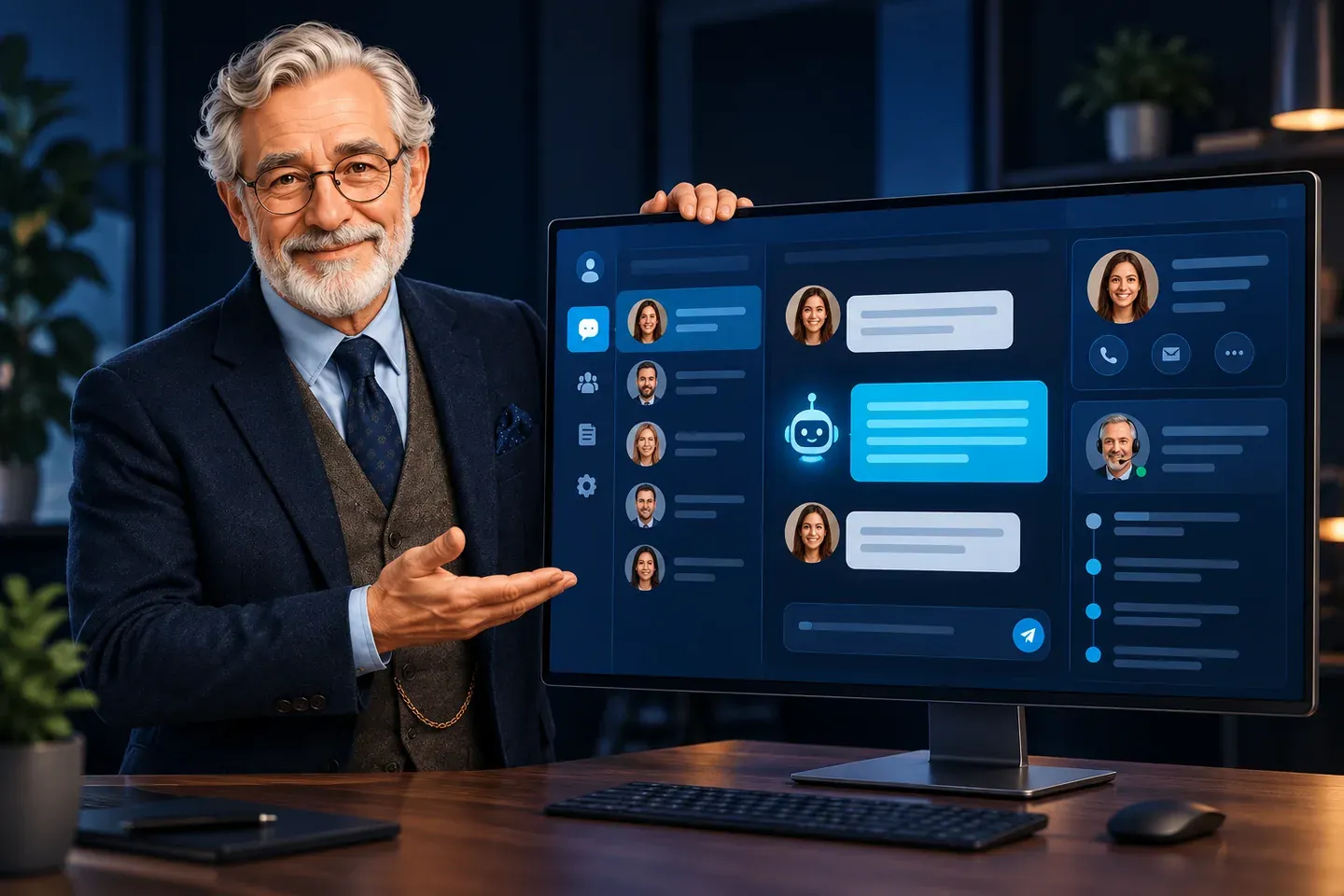
If your sales managers handle conversations in amoCRM, AI can be connected to a selected communication channel. The assistant uses company materials to answer questions, clarify the enquiry and help the customer take the next step. For example, it explains differences between services and gathers information for a consultation. An employee sees the conversation in the CRM and takes over when a question falls outside the agreed workflow. I first check the capabilities of your channel and integration: the connection must support receiving and sending messages. I then configure replies and the process for bringing in a sales manager.
Website and messaging enquiries in CRM
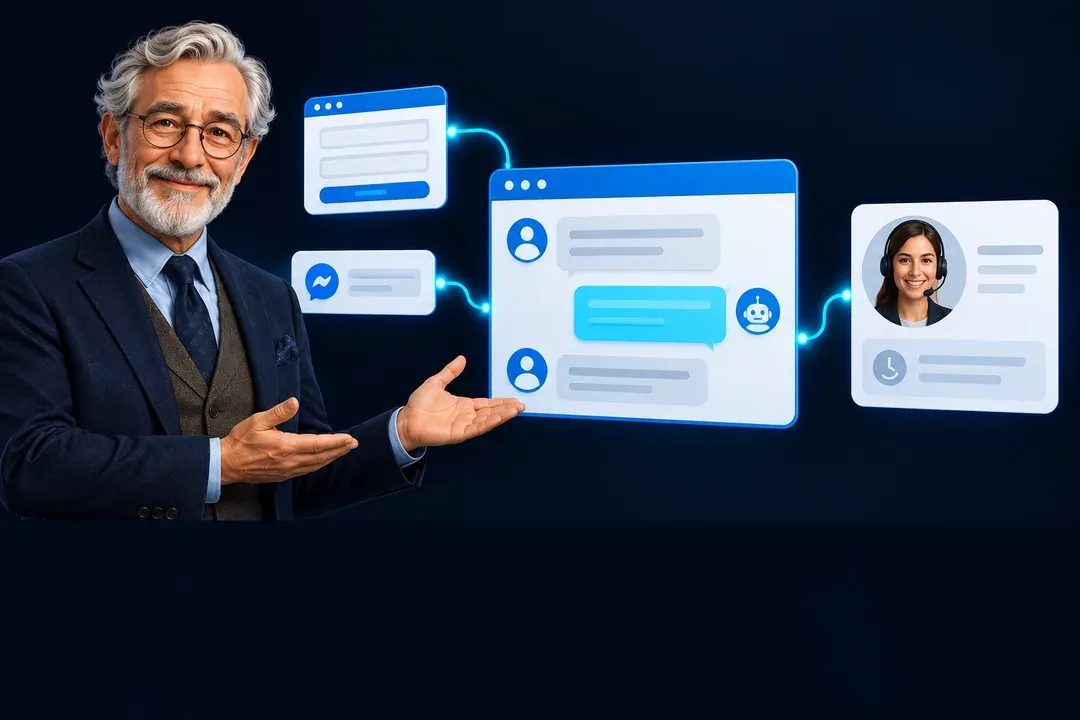
A visitor leaves their contact details in a website form or asks a question in a connected messaging app. The integration sends the agreed data to the CRM and, for chats, saves the conversation in a supported channel. For example, the sales manager receives the customer's name, phone number, service of interest and the page the enquiry came from. They do not need to copy the enquiry manually or ask again for information the customer has already provided. The form and channel are connected separately according to their capabilities. Before launch, we define the information employees need and where each new enquiry should go.
Conversation handover from AI to a sales manager
AI handles routine questions, while an employee takes care of more complex enquiries. Handover can be triggered by a customer request, the topic of the question or the absence of an answer in company materials. For example, the assistant explains general terms but sends a request for a custom order estimate to a sales manager. Bitrix24 uses Open Channel capabilities for this; amoCRM uses the agreed workflow of the selected integration. Before launch, we check how the employee is notified and continues the conversation. AI must not obstruct the person replying or send unnecessary messages at the same time.
AI integration with other CRMs and services via API
If you use a different CRM, I will first check its API and chat capabilities. We can configure enquiry transfer, retrieval of required data or a connection to an external service. For example, AI explains the terms of a service, and the integration saves the agreed contact details and question in your company's working system. Capabilities depend on the specific CRM and connected channel: not every service can send replies back into the same conversation. We start with one clear task. Additional systems and operations are estimated separately before connection.
AI assistant for Bitrix24 Open Channels
A customer writes in a website chat or messaging app connected to a Bitrix24 Open Channel. The AI assistant answers routine questions about your company's services, prices and terms, and a sales manager joins when human help is needed. For example, the bot explains the booking process and asks which service interests the customer. A question about an individual discount goes to an employee. Before launch, we choose one Open Channel and test answers using your examples. Other supported channels can then be added using the same communication rules.
How AI is connected to Bitrix24 or amoCRM

Choose the CRM and channel
You explain where customers contact you. I check the selected channel, access permissions and integration capabilities, then agree the scope with you.
Agree on the replies
We define what AI will explain and when a sales manager is needed. I connect an existing assistant; creating new AI from your materials is a separate service.
Test the conversations
Using examples of your customer questions, we check the replies, messages appearing in the CRM and handover to an employee.
Launch and support
I activate the integration in the selected channel, hand over access credentials and explain how it works. The first month of support and minor adjustments is included at no extra charge.
Questions about AI and CRM integration
What is included in AI and CRM integration from $300?
Connecting an existing AI assistant to one selected CRM and one supported channel, configuring replies and handover to a sales manager, testing conversations and launching the integration. One month of support and minor adjustments is included at no extra charge. We agree on the exact scope before work begins. CRM subscriptions, connected service subscriptions, AI model usage and hosting are billed separately. A 30% deposit is due before work begins. You pay the balance after accepting the agreed result.
Can you build an AI assistant if I do not have one yet?
Yes. Creating an assistant using agreed company materials starts at $400 in addition to the integration. I prepare a small knowledge base covering services, terms and frequently asked questions, and configure replies and conversation testing. We agree on the source materials and required features in advance.
How does AI work in Bitrix24 Open Channels?
The assistant connects as a chatbot to the selected Open Channel. It receives messages from the connected channel, replies to customers and hands the conversation over to an operator when needed. Before estimating the work, I check your portal settings, whether your subscription includes the required features and the permissions needed to connect it.
Can you connect AI to my existing amoCRM chats?
That depends on the channel and installed integration. I first check whether they support receiving messages and sending AI replies. A custom integration using the Chats API requires a registered channel. We agree on a suitable channel and connection method before work begins.
What should I prepare to connect AI to my CRM?
Administrator access for the required settings, your chosen communication channel, and an existing AI assistant or materials for building one. We also define which questions it answers and who handles complex enquiries. We start by discussing your process; I handle the preparation and connection.
How does AI hand a question over to a sales manager?
We configure handover based on a customer request, the enquiry's topic or the absence of a suitable answer. In Bitrix24, we switch the conversation to an Open Channel operator. In amoCRM, how the employee joins depends on the selected channel. At handover, automatic replies stop according to the agreed rule so the sales manager can continue the conversation.
Can you connect another CRM or an external API?
Yes, if the system provides the required API and access permissions. Connecting an additional CRM starts at $300; connecting a separate external service also starts at $300. I check the specific system's ability to support messaging, transfer contact details or retrieve data. An additional supported communication channel starts at $100.
What support is available after the integration launches?
For the first month, I help you use the integration and make minor adjustments to the agreed settings. New AI, additional channels and major changes are estimated separately. If you need regular checks and settings updates, ongoing support starts at $200 per month from the second month. I hand over the code and agreed access credentials to you.

AI CATALOG





AI answers customers; your sales manager joins when needed
We start with one CRM and one channel. I will connect your existing assistant and configure the transition from automated replies to a conversation with an employee.
from $300SPECIAL OFFER
One month of support and minor adjustments after launch included at no extra charge 30% upfront. The balance is due after you approve the work. 
