
A site builder can be the right choice for a business that needs to publish offers quickly. A CMS or a site built with code can be the right choice when hundreds of pages need shared templates, product data or custom business rules. Start with the site you have, the work it needs to do and the cost of releasing changes. A platform move only pays off if it solves a constraint that matters to the business.
What matters for SEO and loading speed
Search visibility depends on what the site publishes, whether crawlers can reach it and whether pages answer useful queries. A site can have a clean template and still fail if the main content loads badly, links are missing or pages repeat each other. A builder can provide a sound technical base when its controls match the site.
Start by testing an ordinary service page on a phone. Check what appears first, whether text stays stable as the page loads and how soon you can use the form. Look at the weight of the hero image, the number of fonts, embedded videos, animations and third-party widgets. Changing the platform while keeping the same media and scripts can leave the same bottleneck.

Check technical controls on the pages with the most search traffic. Look for a distinct title and main heading, the intended canonical URL, links to related pages and a sitemap containing the pages you want indexed. For a catalogue, test the selected filters and pagination as well as a normal product URL. A custom build gives the team more control over these items and more responsibility for maintaining them.
What search and AI systems can read
An embedded calculator, quote form or booking widget can be useful. Put the offer, prices or price ranges, key specifications and contact information in the page itself. A visitor who arrives at a service page should be able to decide whether it fits before opening the widget. Links to other pages should have usable destinations.


Inspect the original response and the rendered result. Turn off JavaScript temporarily and check whether the headline, main copy, offer details and internal links are still available. Different crawlers process pages in different ways. This test shows which content depends on scripts, and search inspection tools can show the result for a particular crawler.
For visibility in search answers, give the page something useful to cite. Include specific terms, product details, examples and the date when information is time sensitive. Organise it with headings that reflect the questions customers ask. Check that the relevant crawlers can access the public pages and resources you want them to read.
Compare the options with a real page

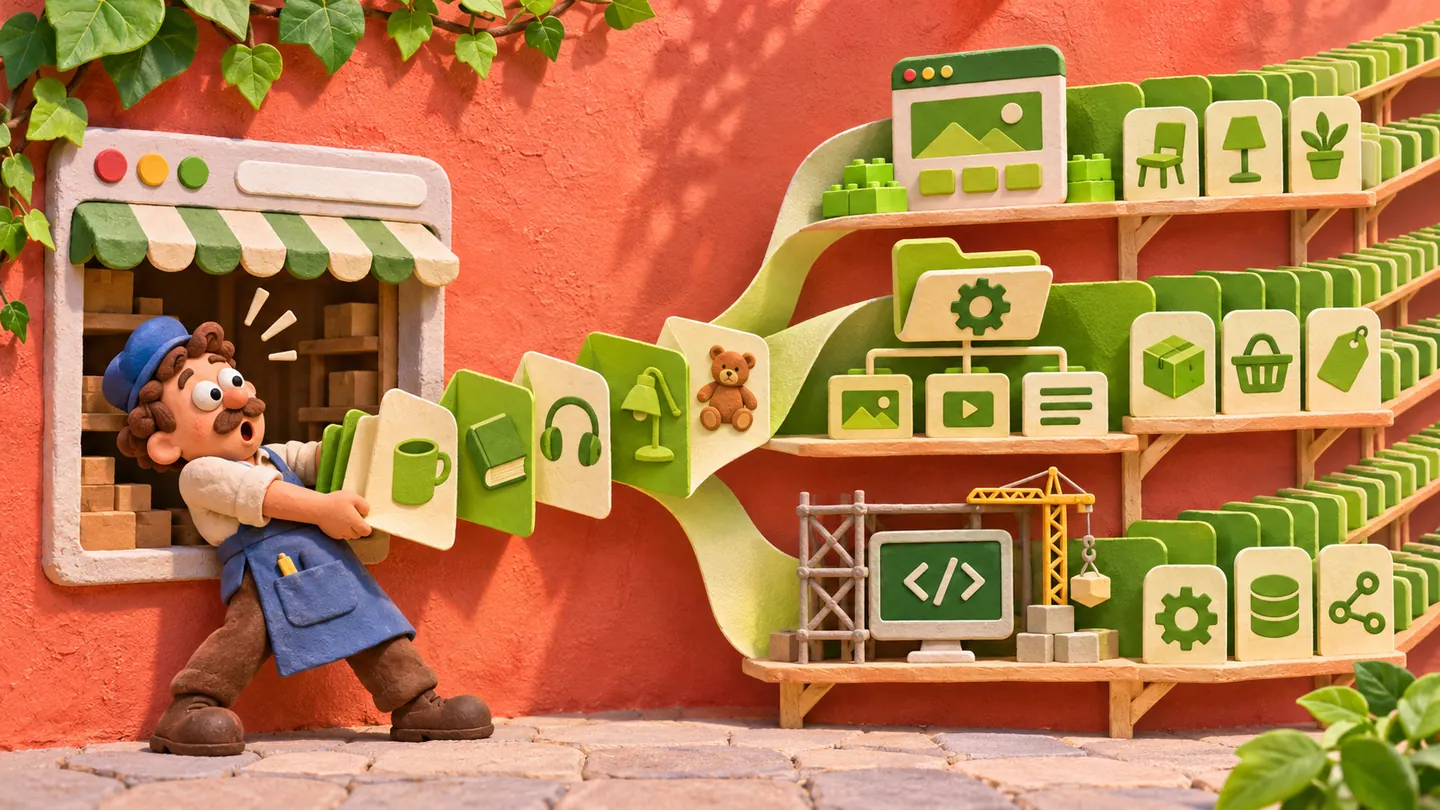
Choose one meaningful task before evaluating a platform. Build a page with the data, layout, enquiry flow and editing process you expect to use. Ask a colleague who will maintain it to update a price and publish another page. Ask the developer to show what can be exported and what will need to be rebuilt if you leave.
| Option | What to test for your project |
|---|---|
| Tilda | Editing landing pages, bulk changes, URL rules, catalogue structure and which features work after export. |
| Webflow | The editor's CMS workflow, plan limits, reusable templates and the scope of code and content exports. |
| Wix or Wix Studio | The editing experience for your team, required integrations and how pages and data would move to another platform. |
| Squarespace | Whether the content and commerce templates cover your workflows and which fields can be exported. |
| Framer | Whether the design workflow still works as the number of pages and language variants grows. |
| Shopify | Product and collection rules, local payment needs, editing costs and the apps your shop depends on. |
| Self-hosted WordPress | Publishing workflow, hosting, paid extensions, updates, security and backups. |
| 1C-Bitrix | Catalogue needs, exchange with accounting or inventory systems, licences and the team required to support it. |
| Custom code | The freedom to set URL and data rules, the publishing interface, hosting and who will maintain integrations. |
A limitation matters when it affects a task you have now. For example, individually editing a price on several landing pages can be acceptable. Doing it across hundreds of templates and languages may call for a shared data source. Prepare a small proof of concept before assuming that a rebuild will remove that cost.
Add up the cost over three years


A subscription is only one line in the budget. Include setup and design, hosting or plan fees, licences, editor seats, apps, backups, support, updates and the time needed to publish. If the team relies on a contractor for each change, estimate the cost and lead time of a typical campaign. If it uses a builder, include the monthly charges for the features and limits it actually uses.
For a migration, add a reserve for temporary loss of search contribution. Compare that cost with the recurring savings or additional contribution the new site could support. The table uses the article's 12-month scenarios.
| Scenario | Move budget | Assumed search change | Cost to recover | Monthly gain needed |
|---|---|---|---|---|
| Small service business | RUB 400,000 | 20% decline for one month on RUB 100,000 a month | RUB 420,000 | RUB 35,000 |
| Mid-sized shop | RUB 800,000 | 20% decline for two months on RUB 400,000 a month | RUB 960,000 | RUB 80,000 |
| Move with search problems | RUB 400,000 | 50% decline for six months on RUB 200,000 a month | RUB 1,000,000 | RUB 83,333 |
| International B2B software | USD 20,000 | 15% decline for one month on USD 15,000 a month | USD 22,250 | USD 1,854 |
The decline is an assumption for budgeting. Estimate the effect on contribution with your own data. Compare the new platform's recurring costs and expected savings against the current setup before committing.
Decide whether to stay, combine tools or move
Stay and improve the current site when editors can publish at the pace the business needs and the problems come from heavy media, missing information or weak booking flows. Fix those issues on the pages that already receive visits.
Use a hybrid approach when there is a clear boundary. Keep the marketing team on the system where it can release campaigns and build a separate catalogue, account area or integration where it needs more control. Agree on URL ownership, analytics and the path between the two parts.
Move when an actual platform limit prevents a required catalogue structure, region or language setup, integration or data workflow. Ask the contractor to show which feature will change, what the team will do differently and how the old URLs and media will be handled.
Migrations can work in both directions. A team that moves from a hard-to-edit CMS to a builder may be able to publish campaigns more frequently. A team going the other way can gain control of a large catalogue or shared data. Specify the work you expect to improve before deciding.
Plan the move before publishing it

- Inventory the old site. Export the pages, media, metadata and analytics for key landing pages. Build the URL inventory from the sitemap, a crawl, search reports and pages that have links or visits. Save the current enquiries, orders and rankings so you can compare after launch.
- Build and test in a protected environment. Keep existing paths wherever possible. Make a row in a spreadsheet for each URL that changes. Test the new destination, forms, payment flows if applicable, events, mobile layout and access to images and PDF files. Check how your most important pages render.
- Publish the new version. Confirm that public pages return the expected status and are open to crawling. Map old URLs to their closest equivalents with permanent redirects. Update internal links, canonical tags, language variants and the sitemap. Keep the redirect map available as the old addresses are revisited.
- Monitor after switching. Check the sites' search reports and server logs, compare traffic and conversions on key landing pages, and repair broken links or missing media. Keep the old files and settings available for recovery until the new version is stable.

Five reasons to consider a move
- The catalogue needs indexable combinations of attributes and live stock changes.
- Repeating changes across a large number of pages takes hours each month.
- Expansion requires a regional or multilingual structure that the team cannot maintain on the current system.
- An account area or integration needs server-side control that the current platform does not provide.
- Recurring fees, extensions and staff time already exceed the cost of a workable alternative.
If the current platform handles your actual requirements, start with the first screen, booking or checkout, and the pages bringing in customers today. If several constraints keep coming back, test a small example on the alternative and prepare an address map before approving the migration.