
A driver needs an oil change, a suspension repair or paint protection. They can see several shops on a map, but choosing one means taking a risk. Will the quoted price hold? Will the shop call before adding work? Can it show what it found? The answers affect bookings as much as the advertising budget does.
This guide follows the journey from the first search to the next service visit. It uses the Russian market and prices in rubles for its examples. The same method works wherever an independent shop needs to turn local demand into profitable jobs.

Choose channels by the job you want to sell
For a neighbourhood shop selling routine servicing, brakes, tyres or urgent repairs, start with the map listings. Customers already know they need the work and are choosing by distance, hours, reviews and available slots. Put the right entrance, current photos, phone number and common jobs on Yandex Maps and 2GIS. Keep the listings accurate and answer calls before paying for more traffic.
For a detailing studio, visual proof matters more. Show a complete job from inspection to delivery, including the paintwork under good lighting, the preparation and the result. VK and Telegram can carry that material. An Avito Services listing can turn it into an enquiry when it names the package, what is included and the approximate price.
A specialist shop with a larger budget can use a website and Yandex Direct to capture searches by make, model and repair. Put a driver searching for DSG clutch replacement on a page about DSG clutch replacement. Give them the models you handle, what diagnostics cost and how to reserve time in the workshop. Separate campaigns by job so you can see which ones pay.
| Channel | Useful starting budget per month | Demand to capture |
|---|---|---|
| Maps and local listings | Up to RUB 30,000 | Nearby drivers who need servicing, tyres or urgent work |
| Avito Services | RUB 10,000–30,000 | Buyers comparing a specific job or looking for a photo estimate |
| Social posts and short videos | RUB 15,000–50,000 | Detail packages, paint correction and protective film |
| Service pages and paid search | From RUB 50,000 | Customers searching for a particular make, component or repair |
Use these figures to plan a test. Workshop capacity and gross profit per job determine the budget you can sustain.
Protect gross profit as the average invoice rises
An ageing car fleet creates work for independent shops. It also creates parts shortages, extra diagnosis, harder scheduling and more expensive mistakes. A higher invoice can contain mostly parts revenue or work that takes twice as long as planned.
Start by separating routine jobs that bring in first visits from work that needs a specialist bay. The Russian price examples range from routine jobs under RUB 5,000 to a standard repair order around RUB 13,000–13,500. Paint correction with ceramic protection can be RUB 20,000–35,000. A starter paint protection film package can begin around RUB 35,000. The important comparison is labour, materials, bay time and margin for each service.
Make the service menu clear. An oil change needs a price range that explains oil volume and filter type. A PPF package needs a diagram of the panels it covers. A transmission job needs a description of the diagnostic steps and the conditions under which parts are quoted separately.
Explain what happens at reception
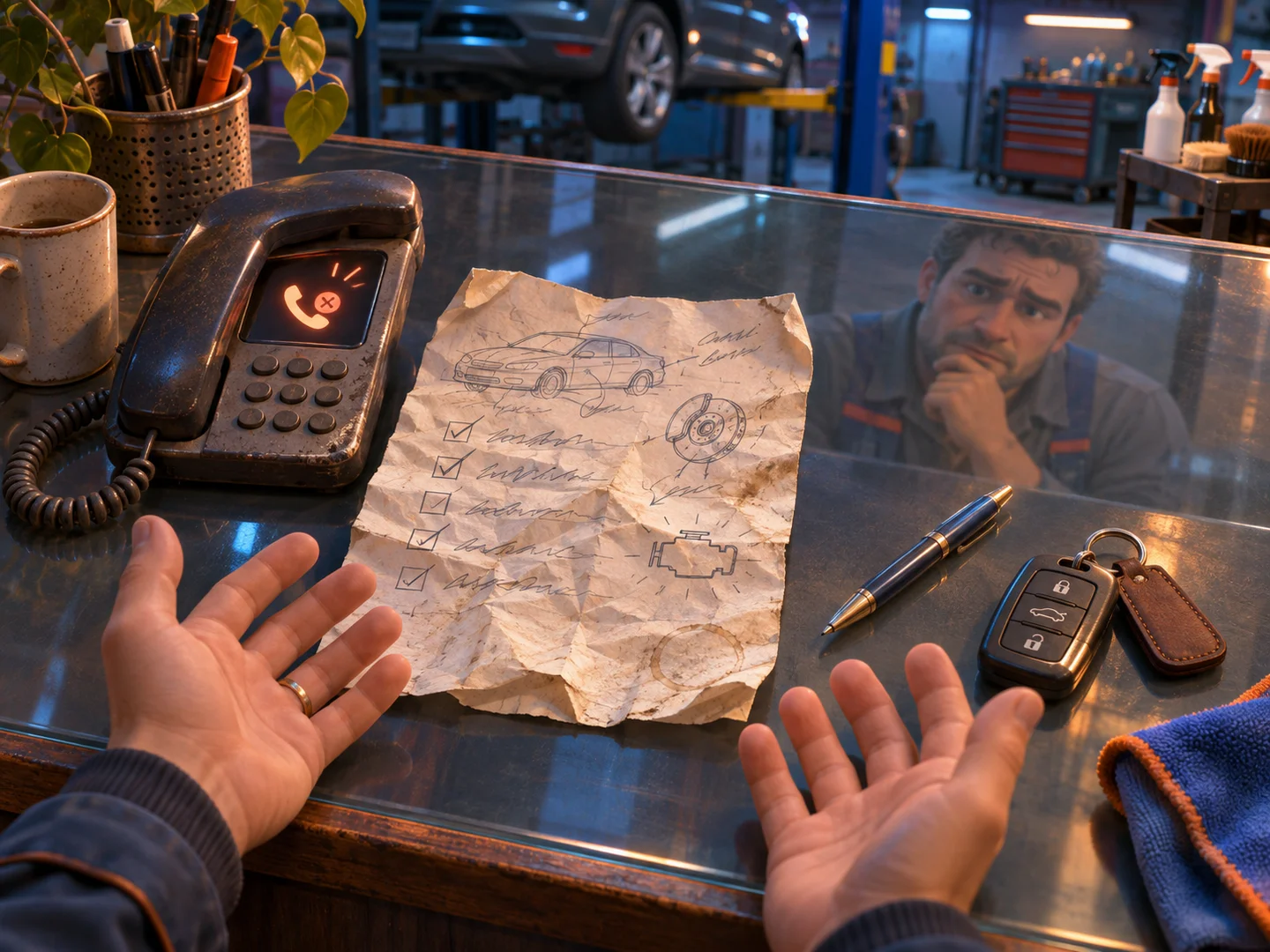
A driver asking “How much?” may be trying to work out whether the shop will change the price after taking the keys. A clear range is more useful than a low starting figure with no scope. Explain what you can price from the make and model, what needs inspection, and how you get approval for additional work.
Show the people and equipment that will actually handle the car. Use genuine reception and workshop photos, completed jobs, review replies and written warranty terms. A driver with a scan code from a handheld diagnostic tool still needs a technician to confirm the cause. Explain that process in plain English and give a cost for the first diagnostic stage.
A vague price, stock workshop photos, a warranty with no terms and an unclear booking form undermine trust quickly. Fix those details on the map profile, the website and the first phone call.
Give each advertising channel a clear role
Maps for immediate local demand
Complete every useful field in the listing. Use photos of the entrance and signage, explain where to park, and state whether you accept urgent jobs. Keep hours current for tyre season and holidays. Ask real customers to describe the work in their reviews. Answer complaints with the next practical step.
Track bookings and arrivals from the listings. A call to ask for directions is different from a confirmed brake repair. Reception can record both without making the customer answer a long questionnaire.
Avito and social media for jobs that benefit from evidence
Create listings for recognisable services. A body repair listing can explain which photos help you estimate the damage and when the estimate needs to be confirmed in person. A detailing listing can compare a one-stage polish with multi-stage correction and protective coatings.
Use video to show the difference. A short clip of paint under a light, a dirty seat during cleaning or a finished edge under PPF helps a buyer understand the scope. Send interested viewers to the relevant package or booking page.
Service pages for searches by make and model
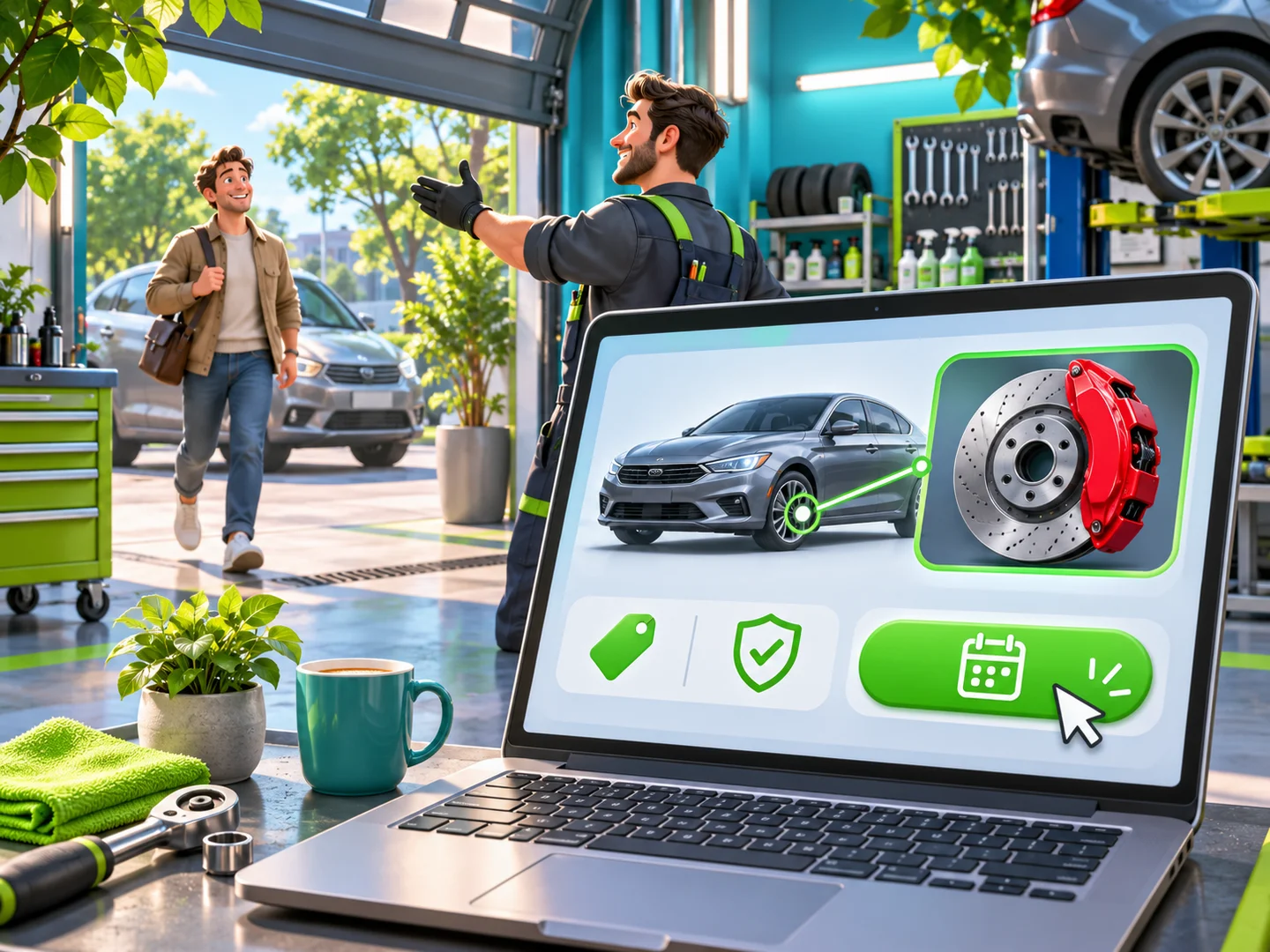
Write pages around work the shop can actually deliver. A page for scheduled servicing should explain service intervals and which consumables are included. A page for a fault should list symptoms, common diagnostic steps and the information the technician needs before quoting. Show a relevant completed job and the next available action.
Compare the two landing page approaches below.

Turn calls and enquiries into workshop bookings
Measure missed calls first. Reception may be handing over a car, checking a parts catalogue or speaking on the other line. A missed caller usually has other shops to try. A call queue, a callback task and a record of the outcome give you a way to improve this without buying more clicks.
An estimate form should collect enough to make the next interaction useful. For servicing, ask for make, model, year, engine and the work needed. For detailing, ask about the car, desired result and current condition. Give a range or a price for diagnosis, then offer a slot or a short conversation. Send the answers to reception with the original source of the enquiry.
A service adviser can follow four steps on the phone.
- Confirm the car, symptoms and urgency.
- Explain what can be priced now and what needs inspection.
- Offer a specific time and explain what will happen on arrival.
- Confirm the booking and contact details in writing.
A voice assistant can collect details after hours and create a callback task. A mechanic should still make the diagnosis and approve technical recommendations.
Use digital vehicle inspections to make decisions visible
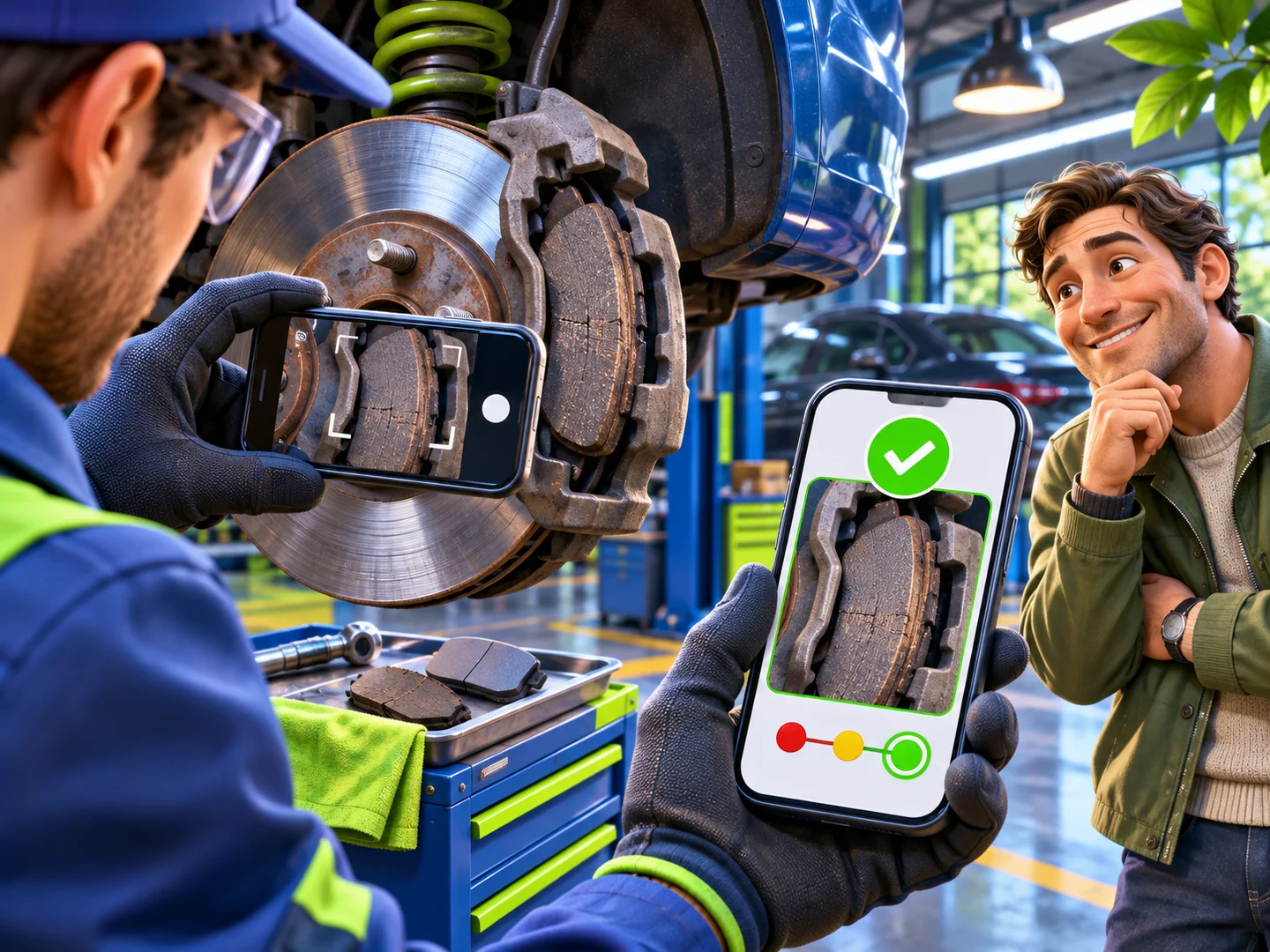
A digital vehicle inspection, or DVI, turns the inspection into a report the driver can understand. Attach a photo or short video to the actual part of the customer’s car. Explain the condition, what it means and which work is urgent.
A green item is serviceable. An amber item needs attention later, with a clear mileage or time interval. A red item needs a conversation about safety or the risk of further damage. Give the price and the reason for each recommended job. Let the driver approve work from the report and record that approval with the order.
The same approach works for paint correction and protection. A light reveals scratches and paint defects, while a close-up shows what preparation or film coverage is included. The customer can decide what is worth paying for.
Watch the share of approved recommendations, average invoice, inspection time and repeat visits after introducing DVI. An increase in quoted work has value when the customer understands it and the bay can complete it profitably.
Give the customer a reason to return
After a job, send the work record, warranty details and next service recommendation. A Telegram or MAX Mini App can act as a service book with the customer’s cars, past orders, inspection reports and bookings. A reminder for an amber item is useful because it refers to a real inspection, not a generic promotion.
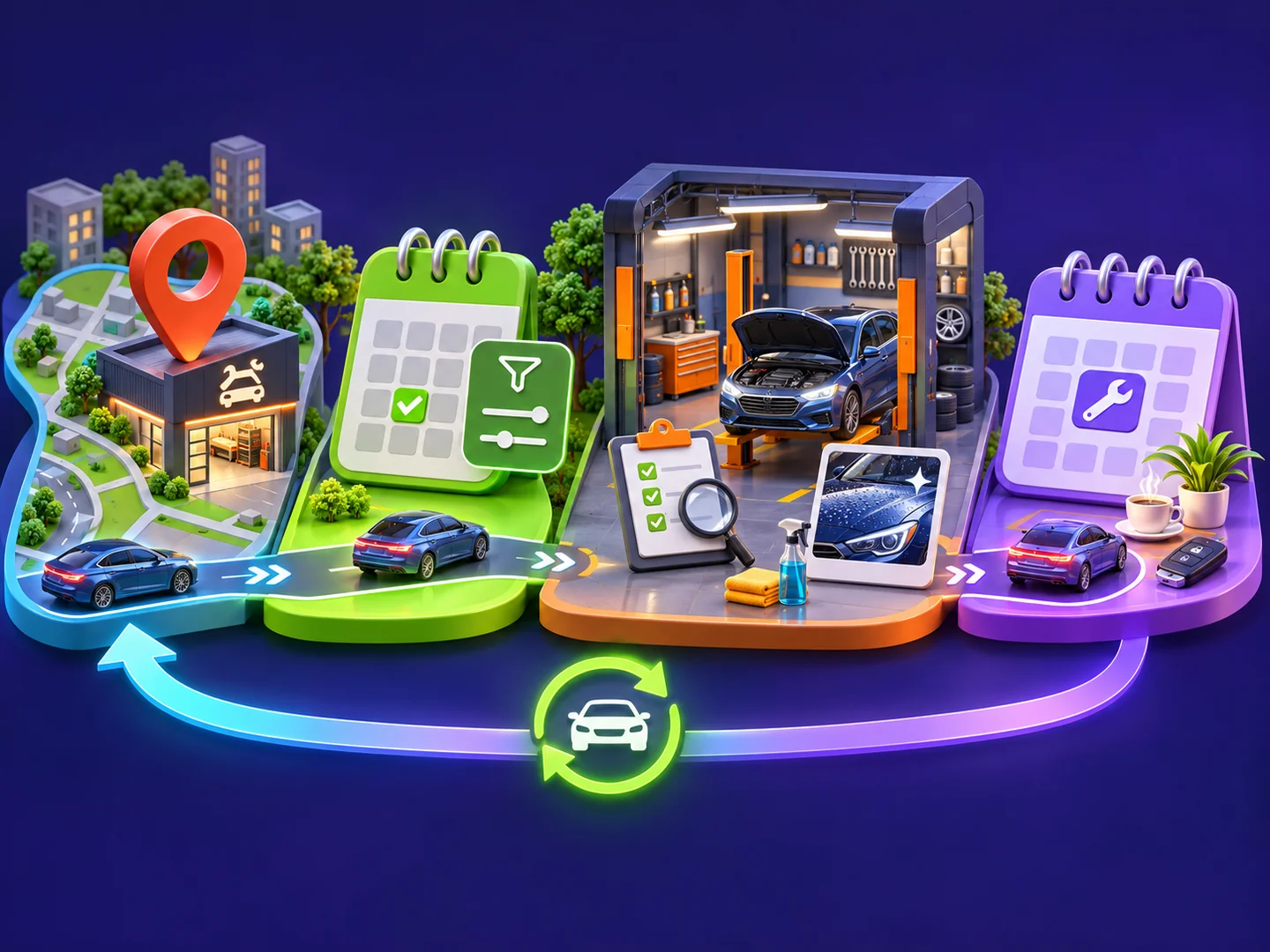
The system connects four parts of the shop. Acquisition brings in the right enquiries. Reception turns them into confirmed appointments. Digital inspection supports approval and handover. The service book and reminders make the next visit easier.
Measure the cost of an actual visit
Separate a click, an enquiry, a booking and an arrival. If you spend RUB 30,000 on 30 enquiries and only ten drivers arrive, you paid RUB 3,000 per arrival. The RUB 1,000 enquiry price tells you very little without the next two steps.
These ranges can help you plan a paid search test in Russia.
| Service | Moscow and St Petersburg enquiry cost | Regional enquiry cost |
|---|---|---|
| General service, suspension and brakes | RUB 800–1,700 | RUB 400–1,000 |
| Premium make specialist | RUB 1,200–2,000 | Often lower in the article’s regional scenarios |
| Detailing and protective film | RUB 900–2,500 | RUB 600–1,500 |
| Summer air conditioning service | RUB 400–900 | RUB 300–700 |
Calculate allowable acquisition spend from gross profit per completed visit. Include missed calls, no-shows and the cost of rework. Compare channels separately for tyre season, routine servicing and high-value jobs. The same booking price can work for one service and lose money for another.
Three advertising mistakes to avoid
A broad audience campaign for collision repair reaches many people who have no damaged car. Maps, narrow search terms and photo estimates can capture the demand when it exists.
A blanket 30% discount can fill the bays with customers who chose only by price. Define a first-visit package with a clear scope and measure how many buyers return.
A roadside banner is difficult to evaluate when it uses the same number and offer as every other channel. A dedicated number, landing page or QR code gives you a way to connect the campaign to completed orders.



A 90-day rollout
- Days 1–30. Update maps, answer reviews and measure missed calls. Standardise the booking conversation and record arrivals by source. Identify the services with enough margin and workshop capacity.
- Days 31–60. Build pages for the highest-priority jobs and makes. Run narrow campaigns and connect the estimate form to reception. Add digital inspections in one bay and train the adviser to explain the report.
- Days 61–90. Bring service records and follow-up reminders into the same workflow. Expand the profitable pages and campaigns. Review arrival rate, approved work, gross profit and repeat bookings every month.
Frequently asked questions
Does a shop need a website if most calls come from maps or Avito?
The listings may be enough for a small shop testing demand. A website becomes useful when you need to explain complex jobs, show inspection examples and send paid traffic to a page built for a particular service. Build the pages around work the shop can reliably book.
How should a shop handle customers who bring their own parts?
Explain the policy before the booking. Check compatibility, itemise labour and explain which work the shop can warrant. Offer a sourced part with a clear price and terms so the customer can compare the options.
What does a website with an estimate form and digital service book cost?
Scope the website, estimate logic, scheduling and service book separately. A single landing page can start with one job and a booking form. A multi-page site and Mini App need more work when they share service records, vehicles and appointments. Use the website cost guide to plan the scope.
Put the system together
A useful setup connects the promise in the ad to the work in the workshop. The driver finds the relevant service, sees the expected price, books a slot, approves work from the inspection and receives a record they can use next time. Improve each handoff before increasing the advertising budget.
RM Systems builds landing pages, multi-page websites and bots and Mini Apps for Telegram and MAX. Contact Roman Mikhaylov to discuss the booking and service workflow you need.