A map profile can be the first place a customer checks your prices, opening hours and route before booking. That makes the quality of the profile part of the sales process. A complete card, a working phone and an up-to-date appointment link give someone nearby a practical way to choose the business.
This guide looks at Yandex Maps, Yandex Business and 2GIS for businesses serving Russian customers. Start with the free information you can maintain and measure the enquiries it generates before buying additional distribution.
What to do first
- Choose categories that match the services the business actually offers.
- Confirm the address, service area, opening hours, phone number and public website.
- Add clear prices, useful photos and a description customers can understand.
- Connect calls, booking and messages with a team that can answer.
- Invite honest feedback and record the completed orders that started from a profile.
A profile may appear differently depending on the user's location, query, filters and the options available nearby. Check the terms your customers use in the areas you serve and on a phone. A single screenshot of a ranking is a limited way to evaluate the work. Calls, appointments and completed jobs give the business another view of the result.
How a useful profile helps customers choose
A person looking for a service needs to know whether you provide it, whether the location and hours work and what to expect on price. Use recognisable service names. An auto workshop can list oil changes and diagnostics. A dental clinic can list actual appointment types. A cleaning company can explain the scope and area for a sofa-cleaning visit.
The profile should give a prospective customer enough context to contact the right provider. Keep descriptions consistent with the website and the services staff can deliver. Check the map marker, entrance information and transport or parking details when they affect a visit.
Complete the card and keep it current
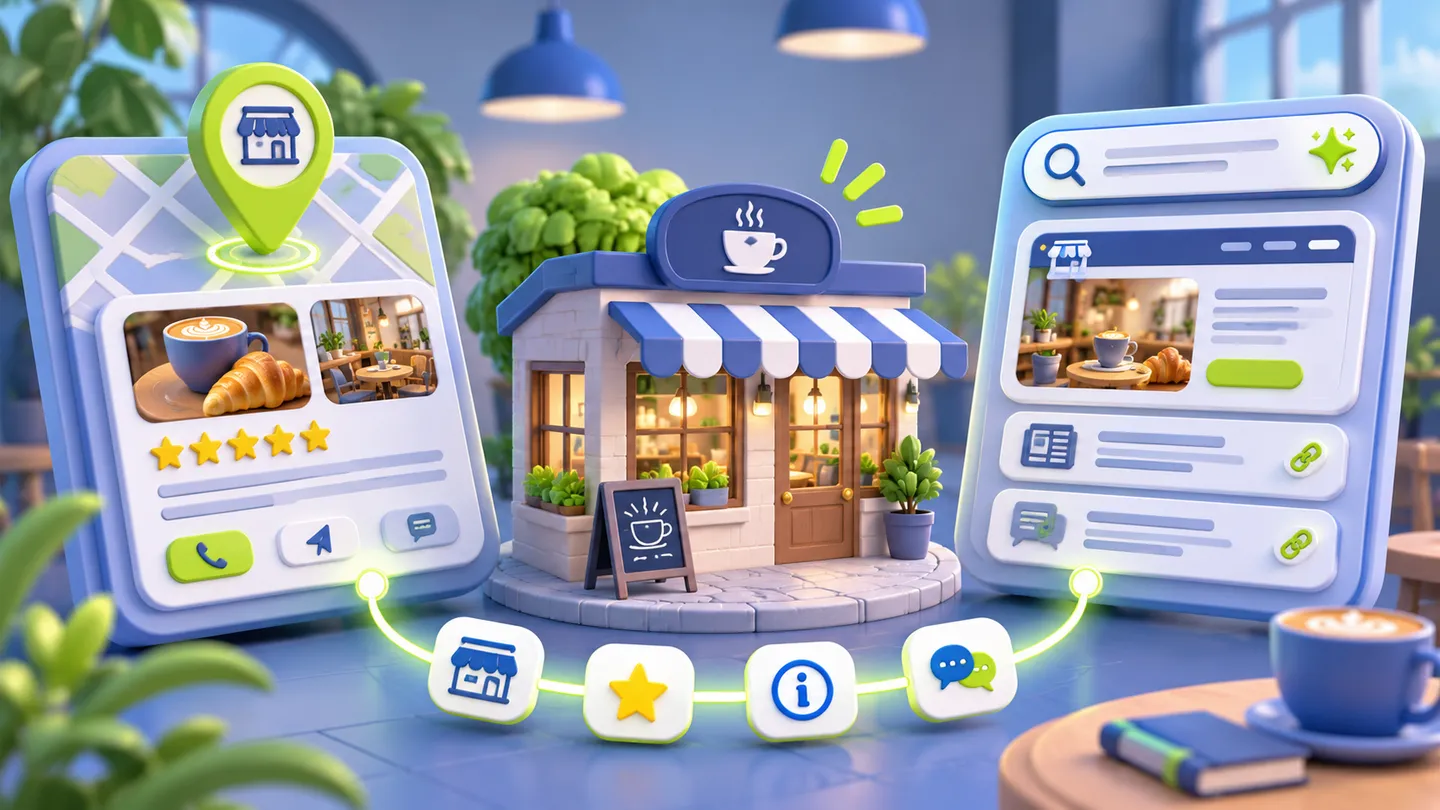
Confirm the business profile through the platform's process and check which information needs periodic review. A verification mark helps a user assess the source of the details. Keep a regular task for changing holiday hours, prices and availability when the underlying business changes.
| Profile element | What to publish | What to check |
|---|---|---|
| Name and categories | The actual trading name and relevant service categories | Consistency with the location and website |
| Address and entrance | A correct map pin and practical access information | Whether a first-time visitor can find the door |
| Hours and contacts | Staffed hours, a working phone and available contact routes | Calls and messages outside the busiest periods |
| Services and prices | Recognisable service names, inclusions and applicable starting prices | Whether the team still offers those terms |
| Photos | Your own location, team, equipment and relevant work | Permission, accuracy and whether the photos represent the current business |
| Booking | A direct route to a suitable appointment or request | Completion, confirmation and delivery to the responsible team |
A showcase is useful when it answers a specific question. Give an example of the result or product, explain what is included and link to a relevant page where supported. Avoid making the customer repeat a search after following the link.
AI-assisted results may draw on public information about the business. Keep the basic facts and published service information accurate across your own pages and profiles. Look at the sources of referrals you can identify and follow them to enquiries and orders. AI answers in search


Measure actions that reach the business
Map analytics can report calls, routes, website visits or other actions. These events help diagnose interest. A route request does not by itself tell you whether someone arrived, and a phone tap does not confirm a paid booking.
Use call tracking where it is suitable and supported. Check that the displayed number connects to the right location and that the team can recover missed enquiries. Tag website and booking links consistently. In the CRM, record source, service, appointment and outcome. Follow the same definitions when comparing months or locations.
| Outcome | What it tells you | How to connect it with revenue |
|---|---|---|
| Profile view | Someone encountered the listing | Compare with later actions and the relevant search area |
| Route request | The visitor considered how to get there | Ask about or record the actual visit where appropriate |
| Call or message | The customer attempted to contact the business | Record connected calls, qualification and booking |
| Appointment | A service and time were chosen | Count attendance and the paid order |
| Repeat booking | A customer returned | Connect it to the existing customer record and retention cost |
If a promoted profile produces many actions and few orders, inspect the offer, area, hours and response. Read a sample of the enquiries and identify whether they concern a service you actually provide. Use that evidence to adjust the campaign.
Test paid promotion with a defined offer
A map subscription or campaign can distribute the listing in several places, depending on the product and settings. Review the placements, targeting and reporting available before buying it. Compare the package's cost and enquiry quality with the free baseline.
A focused local search campaign can test one service in an area the business serves. Match the landing page or profile to the advertisement. Where radius targeting is available, choose it from customer travel patterns and capacity. For a service company, a large catchment area may bring jobs the team cannot fulfil profitably.

Connect maps, booking and the CRM
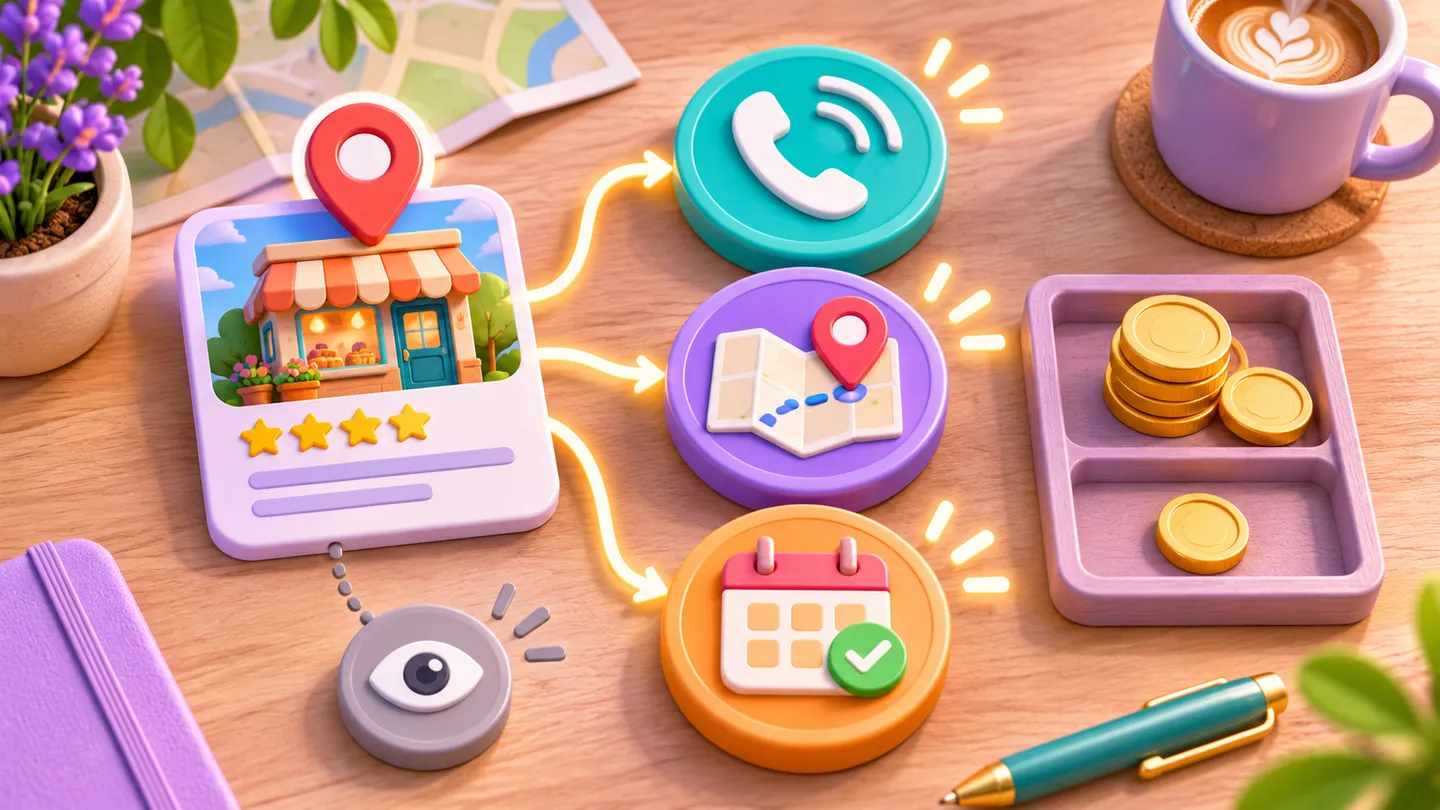
The next step should fit the customer's task. A clinic may show an appointment route. A workshop may accept a model and the required service. A company quoting a complex job may ask for a photo or a short brief.
Confirm receipt, give a realistic response time and assign a person or queue to the enquiry. If the customer uses Telegram or MAX, a bot can collect useful details and pass them into the CRM. Track a finished request separately from the click that opened the messenger. Check the account and integration requirements of each platform. MAX for business
Ask for honest feedback and resolve complaints
After a visit, offer a simple way to describe the experience. Give customers the same opportunity to leave a public review regardless of the score they gave privately. A support route can help the manager investigate a problem and reply promptly. Yandex Business guidance
Keep the request relevant to the service and let the person choose what to write. A response to a public review should address the issue without disclosing personal information. When a complaint cannot be matched with a visit, use the platform's process to request a review of it.


A seven-day cleanup
- Check ownership and access to the profiles. Confirm the actual name, address, categories and hours.
- Review the prices and service list with the team that delivers the work.
- Add current photographs and clear entrance information where it matters.
- Test the phone, website, booking and messenger paths on a mobile device.
- Introduce a consistent source field in the CRM and review unanswered calls.
- Set up a neutral request for feedback after a completed visit.
- Compare the profile's actions with actual enquiries, bookings and paid orders. Choose a small advertising test only after those paths work.
Assign a named person to maintain each location. A monthly check should compare profile information with real operations and review whether the team responded to incoming enquiries.

Common questions
Why does a nearby competitor appear above us?
Compare the service category, query, location, hours and information the customer sees. Check relevant searches across the actual area you serve. Review whether enquiries and orders differ before using a ranking screenshot as the only measure.
Does a verification mark guarantee more customers?
A verified, maintained profile gives visitors more dependable information. Assess the response through connected calls, appointments and orders from that location.
How should a business decide whether paid maps promotion is worthwhile?
Start with the baseline and a defined service. Track the campaign cost, qualified enquiries, attended appointments and contribution from orders. Include staff time when it is significant.
How can a business recover missed evening enquiries?
Keep the available contact methods clear. Offer a booking or request form where appropriate, confirm receipt and route it to an owner for the next staffed period.
RM Systems helps businesses connect profiles with local landing pages, multi-page websites and bots for enquiries and bookings. Roman Mikhaylov, developer