
A language school can have more enquiries than its reception team can handle in September and empty seats in January. Buying more ads during the busiest week makes the first problem worse. A school needs a way to turn interest into attendance, give families a reason to continue and plan enrolment before the next intake.
This guide covers local discovery, course pages, payment options, a useful assessment and year-round enrolment. The examples use Russian services and prices in rubles.
Choose a strategy for the size of the centre
A neighbourhood club can begin with map listings, photos of real classes, a current timetable and introductions from parents. Publish a simple page for each activity that explains who it is for, when it runs and how to book a first visit. Keep the focus on families who can get to the centre.
A language school, exam preparation centre or larger licensed provider needs pages for its different courses. A parent looking for English for a five-year-old needs different information from an adult who can attend only after work. Separate these offers and make booking easy.
A school with several branches should track every enquiry through its education CRM. Record the course, preferred location, booking, attendance and first payment. Use the same process at each branch so reception can offer a suitable slot when the first location is full.
Explain the cost of a longer course
Show the full course price, timetable and what the tuition includes. A family can then compare a monthly subscription with a term or year-long programme. If you offer instalments, explain the agreement, the total amount the family pays and who charges any fees. A payment plan should fit the family’s budget and the school’s delivery costs.
The source example compares a purchase of about RUB 14,350 with a longer plan of about RUB 47,700 and an early booking around RUB 57,000. The larger payment represents a longer commitment. Account for fees, teaching time, capacity and refunds before using the difference in an enrolment forecast.
Explain cancellation and refunds before payment. A bank agreement and the agreement for the course may require separate steps. In Russia, consumer rules allow customers to withdraw from paid education services subject to the applicable costs and conditions. Publish a clear process and base any deductions on costs you can substantiate. Rospotrebnadzor guidance
Explain available education benefits clearly
A licensed provider may be eligible to receive maternity capital payments for qualifying education. Help families find the programme details, licence information and documents they need. Confirm whether the specific course and applicant meet the conditions before accepting that payment route.
For the Russian child education deduction, the Federal Tax Service describes an eligible expense limit of RUB 110,000 per child. At a 13% income tax rate, that gives an illustrative refund of up to RUB 14,300, subject to eligibility and tax actually paid. Explain the document process and keep it separate from the tuition price. Federal Tax Service guidance

Make official information easy to find
Keep the school’s disclosures, licence, programme information, staff details, facilities and service terms current where required. Link to this information from the course pages. A parent should be able to check who provides the course, what is covered and what agreement they will sign before they pay.
Give each audience its own course page
A search for a preschool group should lead to a page about that group, its teachers and its timetable. Directing every ad to the school’s home page asks visitors to start the search again. Separate the campaigns and measure their results through to a paid enrolment.
| Audience | Page | Information needed before booking |
|---|---|---|
| Children aged four to seven | Preschool English or school readiness | Group size, teacher, classroom, activities and available times |
| School pupils and exam candidates | School support or OGE and EGE preparation | Subject, starting level, assessment, course plan and evidence of results |
| Adults | Speaking, work or travel courses | Level, evening or weekend options, in-person and online formats |
| People searching by the school’s name | Home page and branch pages | Locations, reviews, courses, licence where applicable and contact details |
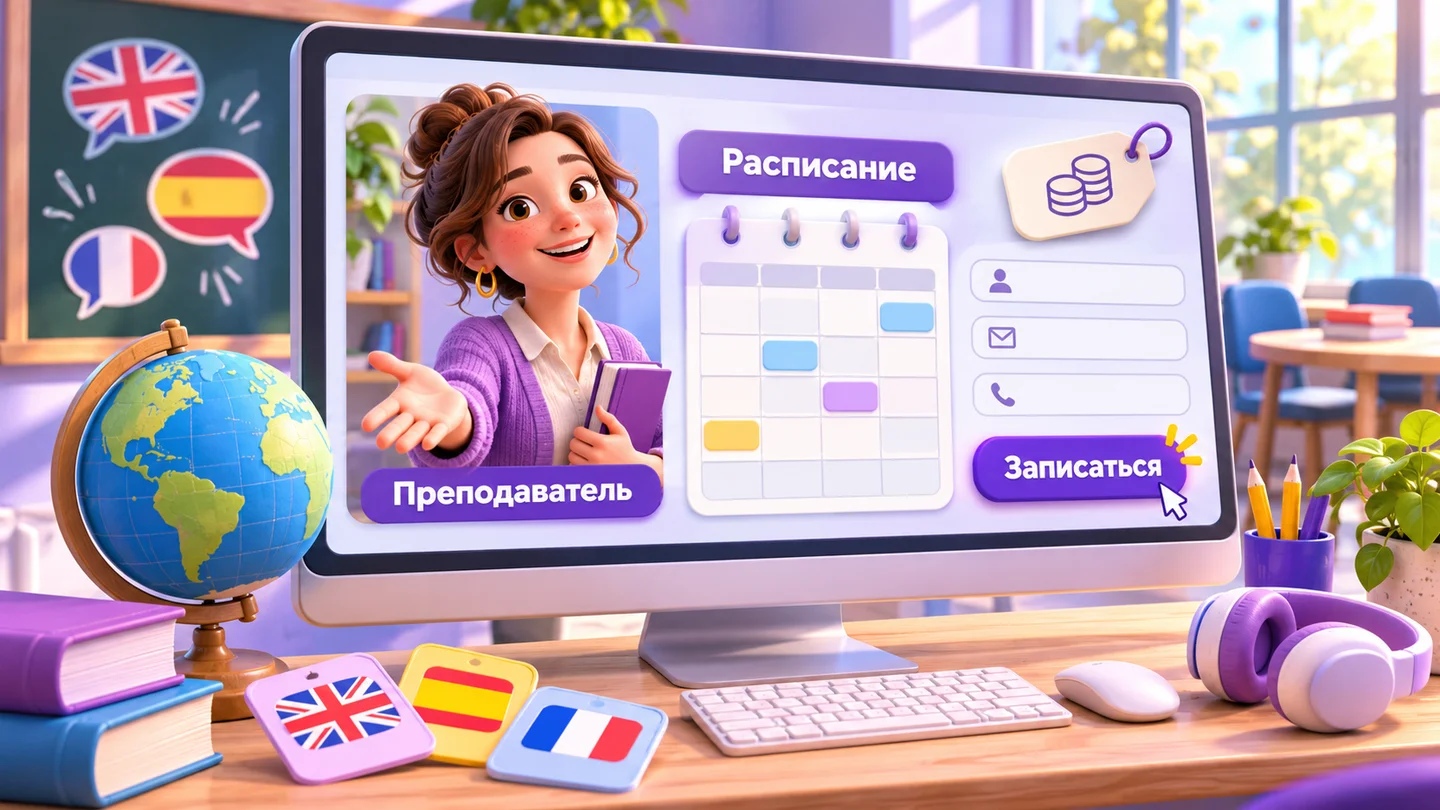
Use a real teacher profile. Introduce the person in plain language, describe the groups they teach and show what a lesson looks like. Give families a way to ask whether the teacher and format are a good fit. On each page, show current times, expected fees and the next available action.
Keep map listings accurate. A photo of the entrance, directions from nearby streets, current hours and examples of classes help a parent plan a visit. Answer reviews and keep each branch’s contact details separate. Track which listings lead to attended assessments and paid courses.

Give reception a reliable enquiry process
Parents often enquire while the administrator is welcoming students, answering the phone or dealing with payments. Set a clear time for a first response. Assign each enquiry to a person and record whether it became a booking. Follow up with the people who asked for a callback.
A short placement form can ask about age or level, the learning goal, preferred times and branch. Give the visitor an appropriate next step and send those answers to reception. A Telegram or MAX bot can show available assessment slots and record a booking after hours. A teacher should review placement decisions when the result is uncertain.
Use a short conversation at reception. Confirm the course goal, suggest a suitable group or assessment, explain what the family will receive and offer a specific time. Send the address and booking details in writing. An agreed appointment is easier to track than a promise to call later.
Turn a trial visit into a useful assessment
Explain what will happen during the first visit. A teacher can check the learner’s current level, observe their participation and explain which group or programme fits. Give the family a short written plan that describes the starting point, the next skills to practise and how progress will be reviewed.
Use four messages to support attendance.
- Confirm the date, time, address and teacher as soon as the visit is booked.
- Send directions and practical details in advance, including what to bring.
- Give the family a simple way to confirm or choose another time.
- Send the assessment notes and suitable course options after the visit.
Track bookings, attendance and paid enrolments separately. If many people miss the visit, check the availability of the slots, how far ahead they book and whether the messages reach them. A full assessment can be charged for when the family understands what it includes.

Compare channels by the cost of a paying learner
Record the cost of attracting and enrolling a learner, including the reception and assessment work. A campaign can bring inexpensive contacts and very few paid enrolments. Another can cost more per enquiry and fill a class with learners who stay.
These planning ranges reflect the scenarios used in the Russian article. Measure the result in your own branch before increasing spend.
| Channel | Illustrative cost per paying learner |
|---|---|
| Parent referral programme | RUB 200–750 |
| Yandex Maps and 2GIS | RUB 500–2,250 |
| Open days and workshops | RUB 500–1,700 |
| Reviews and school directories | RUB 350–1,600 |
| Neighbourhood partnerships | RUB 670–2,500 |
| Website, search and AI discovery | RUB 800–3,300 |
| Messages to families who have opted in | RUB 500–3,500 |
| Social content | RUB 2,000–7,000 |
| Paid search | RUB 3,000–8,000 |
| Targeted social ads and placements | RUB 3,300–9,000 |
One way to allocate a test budget is to put 70% into channels that already produce suitable learners, 20% into channels with promising early results and 10% into experiments. Compare each channel on attendance, first payment and renewal. Keep enough places and teacher time for the groups the campaigns promote.
Keep families informed throughout the year
Send a short progress report at a useful interval. Show what the learner can now do, what they are working on and one example of their work. A parent should be able to see the progress behind the next invoice. Ask early about a timetable conflict, a missed class or a course that feels too difficult.
Agree how you handle absences, make-up classes and pauses. Offer a sensible path to continue when a learner is ill or travels. A predictable policy helps reception respond without inventing a different offer for every family.
A referral works best when a family has a result to share. Give them a link to the appropriate course or assessment and clear terms for any reward. Record whether the new learner actually attends and enrols.
Plan summer activity and September places before the end of the spring term. Offer an appropriate summer course or camp, publish dates early and invite current families to reserve a place. Use the expected capacity and teaching costs to decide what you can offer.


Scope the website and booking system
Price the course pages, timetable, placement form, booking logic and CRM integration separately. Start with the information families need and the steps reception can actually support. Add a bot when you can keep the course schedule and available places accurate.
Use a suitable process for learner and parent data. Ask only for what you need to arrange the next step, and agree who can see the records. Give families a clear route to a member of staff when they need advice or a change to a booking.
A six-week rollout
- Week one. Map the current enquiries, bookings, visits and paid enrolments. Choose the courses and branches where you have capacity.
- Week two. Publish accurate course and payment information. Give reception a shared way to record enquiries and make bookings.
- Weeks three and four. Build the course pages, teacher profiles and placement form. Separate the campaigns and connect the timetable to the booking workflow.
- Week five. Improve maps and referral links. Test the assessment reminders and introduce the progress report.
- Week six. Compare paid enrolment costs and attendance by channel. Plan the next intake and summer offer using the places you can actually provide.
Frequently asked questions
Does a small club need a full website?
A clear course page and accurate map listings can be enough to start. Add more pages when families need to compare programmes, branches or teachers. Check which official disclosures apply to the services you provide.
Should the first lesson be paid?
A useful assessment can have a clear price and deliverable. Show families what they will receive before they book. Compare attendance, enrolment and time spent by teachers when deciding what to offer.
How can a school enrol learners in the middle of the year?
Advertise real vacancies by level and timetable. Offer a short assessment to show how the learner can join the existing group. Follow up with families who asked about the course earlier and agreed to hear from you.
Give every enquiry a clear next step
A family finds the course, checks the teacher and timetable, books an assessment and receives a plan they can use. Reception can see who attended, which channels led to a paid course and when the family needs to hear from the school again.
RM Systems builds course landing pages, multi-page websites and booking bots for Telegram and MAX. Contact Roman Mikhaylov to discuss the enrolment workflow your centre needs.